
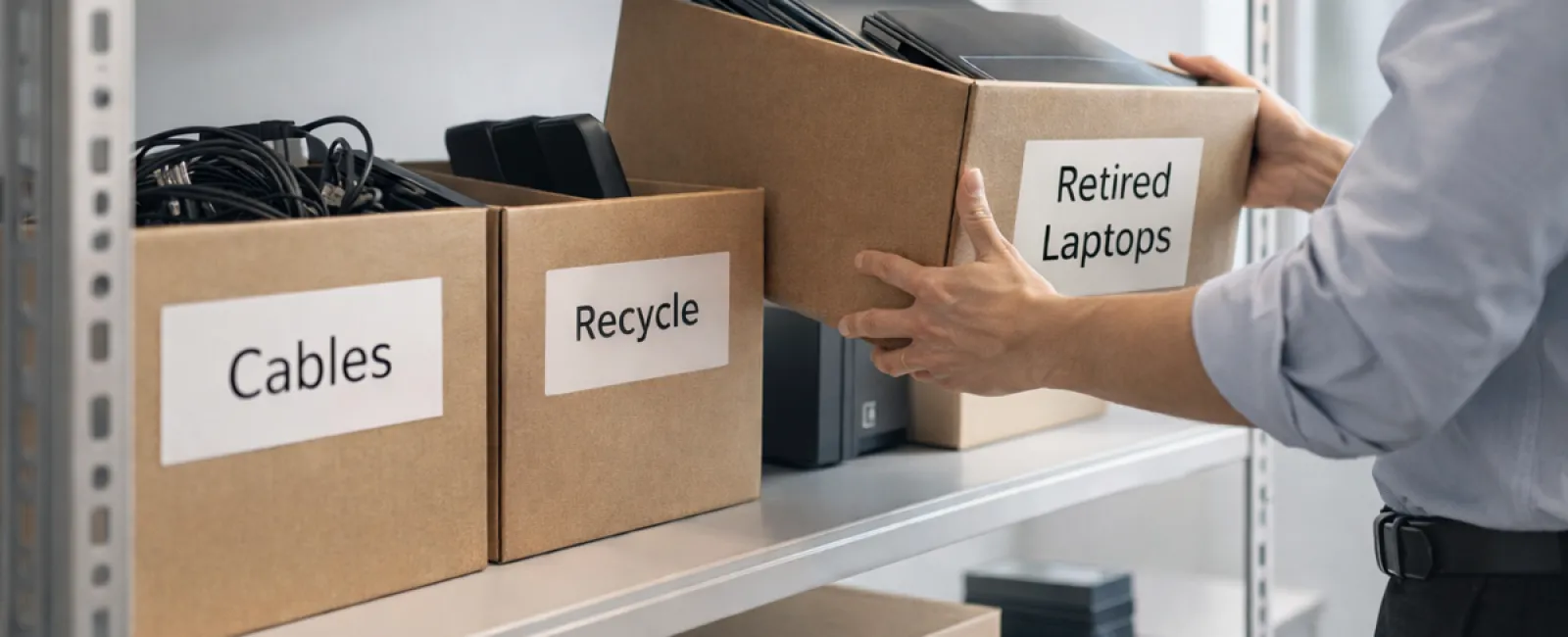
While spring cleaning often starts with closets, in most businesses the real clutter lies far beyond a simple coat rack.
Yes, it can be tangled in a server rack, but often it's gathering dust in storage rooms, back offices, or hidden in piles marked "we'll deal with that later."
Old laptops, retired printers, backup drives from multiple upgrades ago, and boxes of cables saved "just in case" accumulate silently but steadily.
Every business collects this digital debris.
The real question isn't if it's there — it's whether you have a well-crafted plan to manage it.
The Technology Lifecycle Extends Beyond Purchase Dates
When you acquire new tech, there's a purpose: enhanced speed, increased security, improved capabilities, and support for business growth.
Most businesses meticulously plan technology purchases, but few design strategies for retiring old devices.
Retiring tech generally happens quietly. Devices get replaced, set aside, and eventually someone decides to clear the clutter.
That's standard practice.
What's uncommon is managing equipment retirement with the same deliberate care as when purchasing.
Old technology holds residual value — reusable parts, recyclable components, or data storage. Left unmanaged, it only drains space and focus.
Spring is the perfect time to evaluate: What equipment is still useful, and what is just occupying valuable space?
A Clear-Cut Method to Streamline Your Technology
Don't let technology retirement linger as a vague task. Implement our straightforward four-step plan.
Step 1: Conduct an Inventory
Identify what's being retired: laptops, phones, printers, network equipment, external drives? You can't manage what's unidentified, and a quick inspection often uncovers more than anticipated.
Step 2: Define the Final Destination
Every device fits into one of three outcomes: reuse (internally or via donation), recycle (through certified e-waste channels), or destruction (when data security is critical). The goal is intentional decision-making to avoid equipment languishing unseen.
Step 3: Prepare Devices Thoroughly
Meticulous preparation matters.
For devices being reused or donated, deregister from device management systems, revoke access, and use certified data wiping tools rather than just factory resets. Simple deletion or formatting doesn't erase data— it only removes pointers to it.
Research from Blancco reveals 42% of drives sold on marketplaces like eBay still contained sensitive data, despite sellers claiming secure deletion. Certified erasure tools overwrite data fully and provide verification.
For recycling, rely on legit e-waste recyclers — not dumpsters or curbside pickups. Programs like Best Buy's recycling serve households, not businesses.
Business devices require certified IT asset disposition (ITAD) firms or approved e-waste recyclers (look for e-Stewards or R2 certifications; directories available at e-stewards.org and sustainableelectronics.org). Your IT provider can usually coordinate this process.
If destruction is necessary, opt for certified wiping or professional physical destruction (shredding/degaussing) and keep records of the serial number, method, date, and responsible party.
This isn't about paranoia; it's about responsibly closing the technology lifecycle.
Step 4: Document and Move Forward
Keep track of every device's departure — where it went, how it was processed, and confirmation of access removal. Proper documentation removes lingering uncertainties.
Devices Often Overlooked in Tech Retirement
Laptops get plenty of attention, but other equipment deserves equal care.
Phones and tablets may still hold email accounts, contacts, or authentication apps. A factory reset covers most, but certified mobile wiping tools are more reliable for business devices. Major brands like Apple and Samsung offer trade-in options, including credits for older models.
Modern printers and copiers often contain internal hard drives that store all print, scan, copy, and fax content. When returning leased machines, insist on written confirmation that drives will be wiped or removed before redeployment.
Batteries are treated as hazardous waste by the EPA. Several states (California, New York, Minnesota) prohibit businesses from disposing of rechargeable batteries in regular trash. Remove batteries, tape terminals to avoid short circuits, and deliver to certified drop-off points. Use resources like Call2Recycle.org for drop-off locations; Staples, Home Depot, and Lowe's also accept rechargeable batteries at many stores.
External drives and retired servers often stay stored far longer than intended. While not always problematic, they should go through the same thorough retirement process as other tech.
Important Insights on E-Waste Recycling
April's Earth Day reminders are timely and essential.
Electronic waste should never be sent to landfills. Globally, over 62 million metric tons of e-waste are produced annually, but only 22% gets properly recycled. Critical components like batteries, monitors, and circuit boards require certified recycling processes. Your community likely offers legitimate e-waste recycling options to handle this responsibly.
When managed properly, equipment retirement becomes operationally efficient, eco-friendly, and strategically smart. You can safeguard data and protect the environment simultaneously.
This responsible approach also enhances your brand image—customers appreciate businesses that do the right thing without fanfare.
The Broader Advantage of Tech Clean-Up
Spring cleaning isn't just about discarding clutter—it's about creating room for growth.
Removing outdated tech is a start, but as you reflect on your hardware, consider: Does your technology truly empower your business operations?
Hardware cycles, but productivity stems from software, systems, automation, and process innovation.
Properly retiring equipment keeps your space tidy; aligning technology with goals drives your business forward.
How We Support Your Tech Success
If your equipment retirement process is already smooth and effective, fantastic—that's the goal: seamless and habitual.
As you embrace responsible hardware replacement, it's smart to assess your overall tech ecosystem: Are your systems optimized? Do your tools integrate well? Is your technology fueling growth or merely maintaining the status quo?
If you'd appreciate an unbiased review of your tech stack, systems, and workflows to boost efficiency and profitability, we're here to help.
No checklists. No pressure. Just straightforward advice on making technology work harder for your business.
Click here or give us a call at (949) 537-2909 to schedule your free 10-Minute Discovery Call.
If this inspired you, feel free to share it with fellow business owners.
Remember, spring cleaning goes beyond closets—it's about optimizing the technology that powers your business.


