
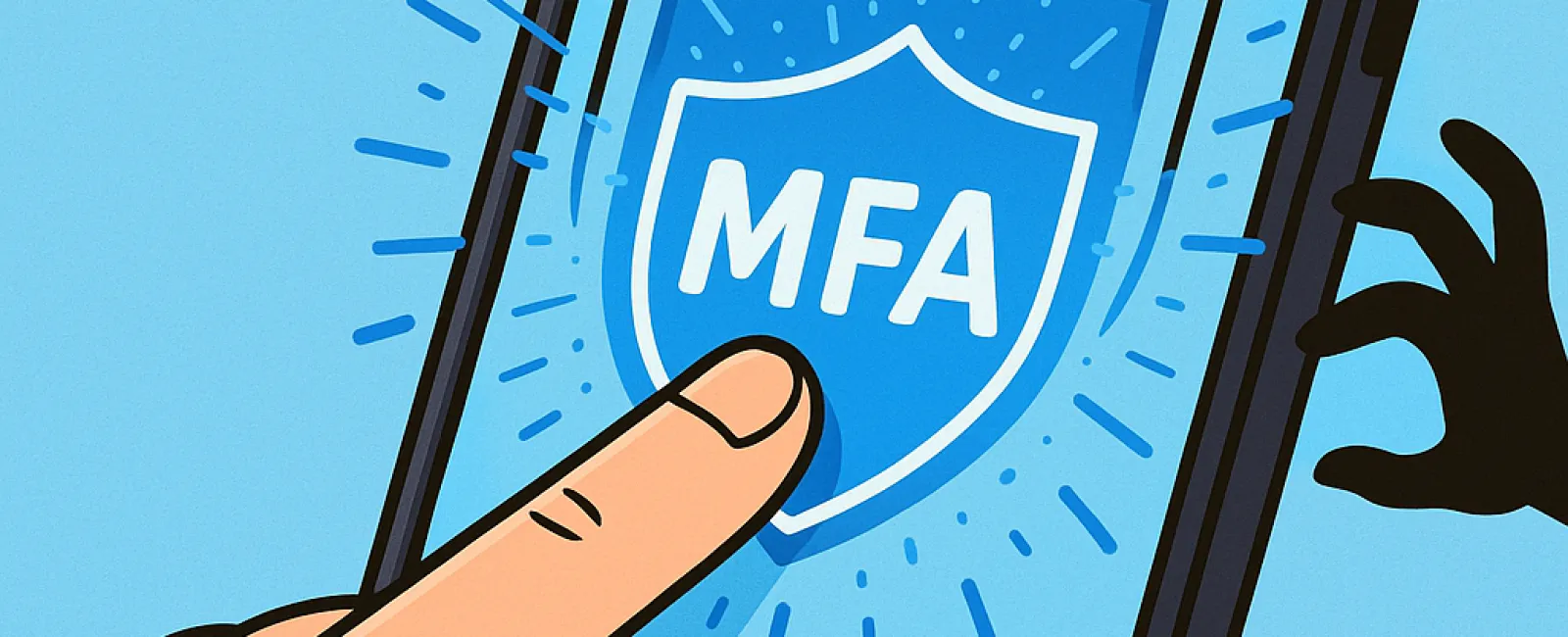
Just like you wouldn't drive without buckling your seat belt or leave your office door unlocked overnight, you shouldn't access the internet without multifactor authentication (MFA) in place.
Think of MFA as a vital second lock protecting your digital gateway. Instead of depending solely on a password—which can be stolen, guessed, or phished—MFA adds an additional safeguard like a text message code, authentication app, or fingerprint scan. Even if someone steals your password, they'll be blocked without that critical second verification step.
Just One Extra Step Can Secure Your Entire Account
If your password is like locking your front door, then MFA is the security system you arm before sleeping. It may seem optional, but isn't it reassuring to know that one layer of defense failing won't mean total exposure?
MFA simply adds a quick verification step to ensure it's really you trying to log in. Whether called "two-step verification," "two-factor authentication," or "one-time password," the concept is the same—requiring two or more verification steps to access sensitive information.
MFA can appear as confirmation emails during account creation, bank security questions, text codes, push notifications, or phone calls. Fortunately, most methods require just a tap or entering a short code.
When MFA Stops Hackers In Their Tracks
Though MFA is simple and fast for users—just tap a button or enter a code—it creates a formidable hurdle for attackers. If someone tries to break into your account, MFA instantly sends you a notification or a code prompt, alerting you to suspicious activity. This early warning lets you update your password before any data is stolen.
MFA also prevents unauthorized access even if a hacker obtains your password. For example, if an employee is tricked into sharing login details, the intruder still can't get in without that second authentication step. Microsoft's research shows MFA reduces account takeover risk by over 99.2%, and up to 99.99% when properly implemented.
Essential Accounts Where MFA Is A Must
You should enable MFA especially on:
- Banking and financial service applications
- Email accounts and cloud storage platforms
- Social media profiles
- Work-related logins that hold client or confidential information
Setting up MFA is user-friendly and supported by most major services. Activate the option that fits seamlessly into your routine. Utilizing an authenticator app can strengthen security for employee access even further.
In summary, MFA is a fast, cost-free solution to drastically reduce account hacking attempts. Spending a few moments now to enable it can protect you from enormous headaches and losses later.
The easiest way to get MFA started is by reaching out to your IT provider. An experienced MSP can guide you through the process effortlessly. If you're looking for cybersecurity expertise, click here or call us at (949) 537-2909 to schedule a 10-Minute Discovery Call with our team today.


